
Setting Up RCS Messaging with Twilio and GoTallo
Follow these steps to configure RCS/SMS via services using Twilio and integrate it with GoTallo.
1. Twilio Setup
a. Add RCS as a Product
-
Log in to your Twilio Dashboard.
-
Navigate to Products.
-
Add RCS as a product and pin it for easy access.
b. Configure Sender Details
-
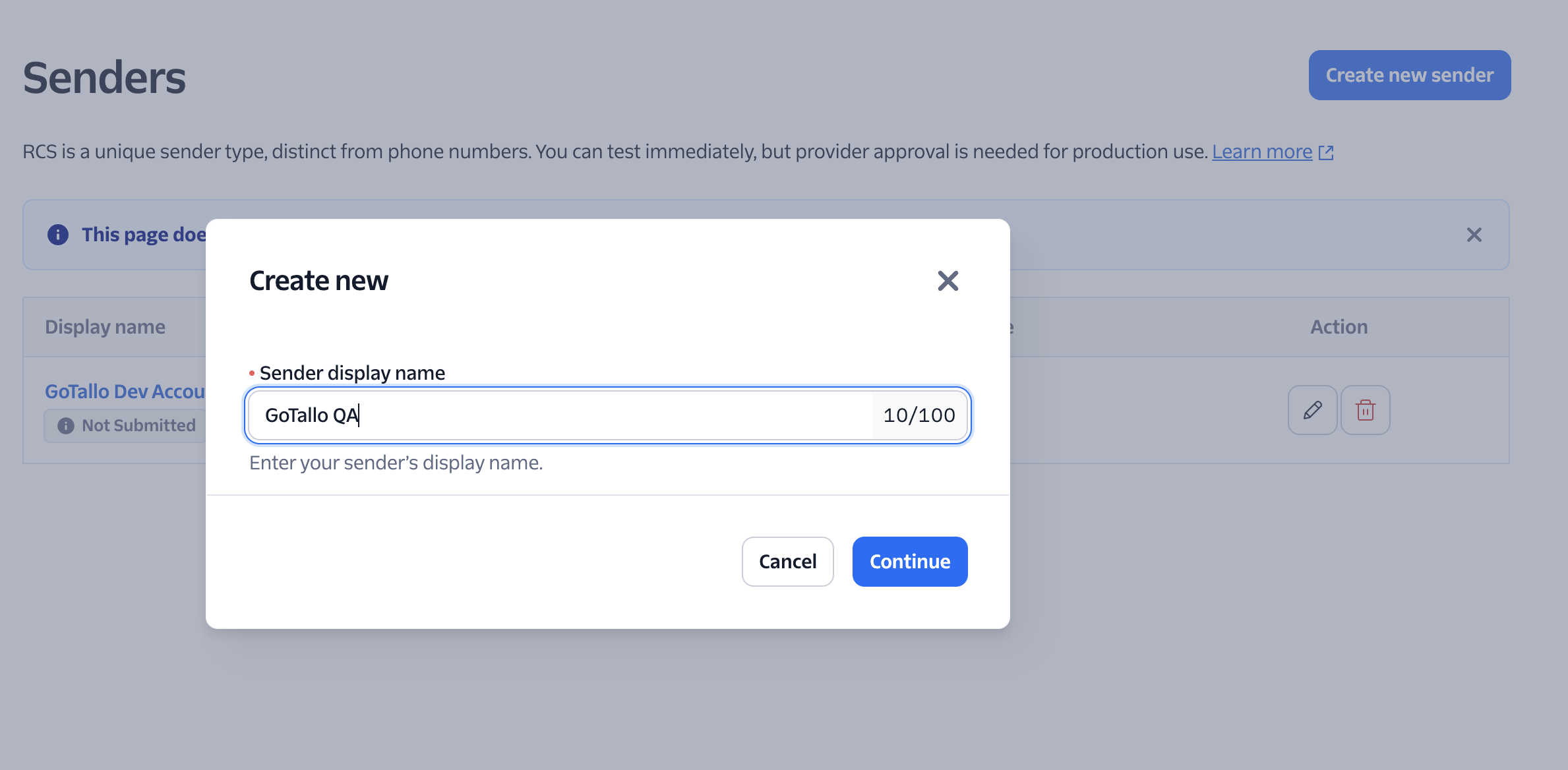
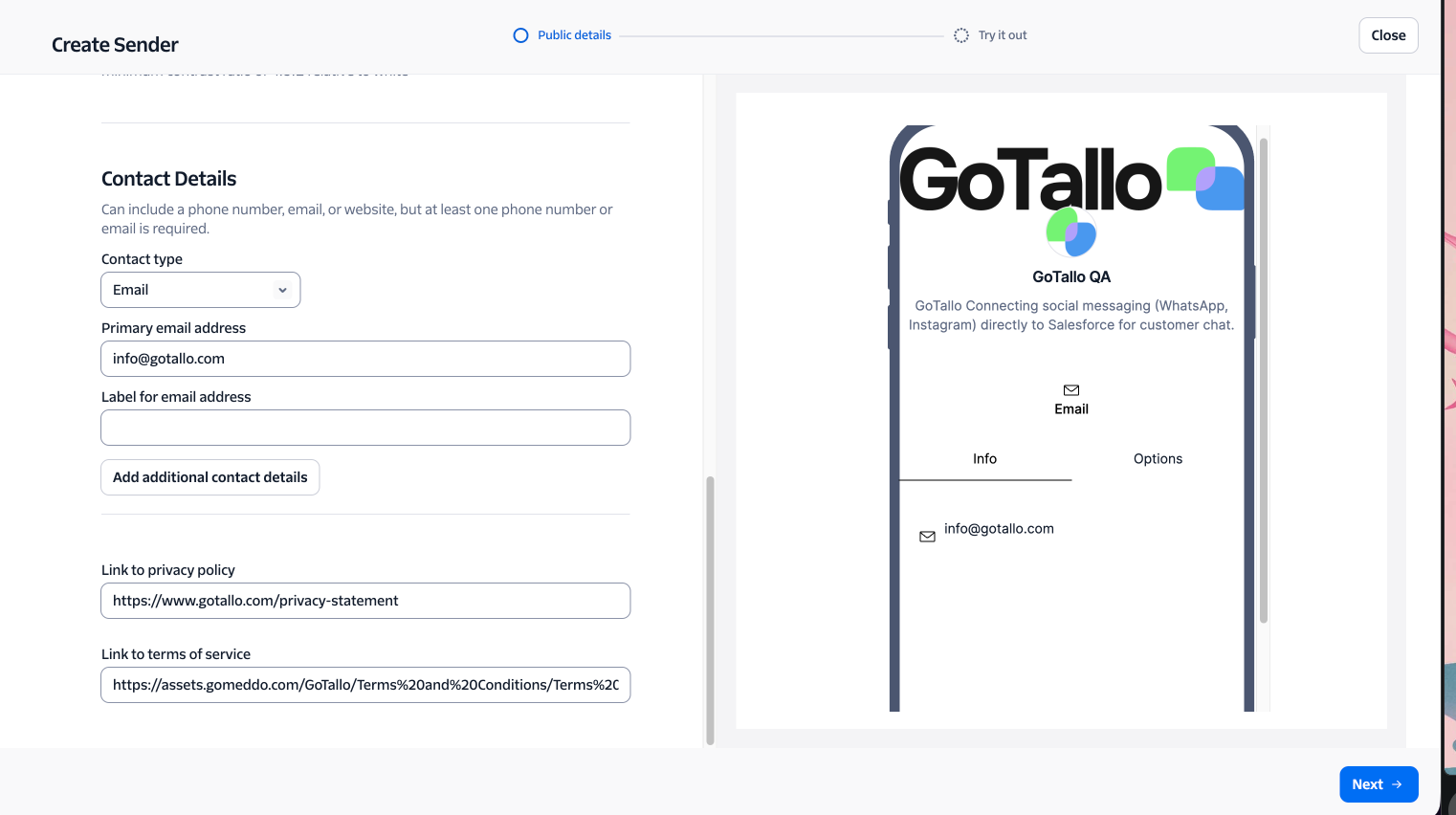
Go to Sender.
-
Add all required sender details (such as phone number, business information, etc.).
2. Configure Webhooks
a. Incoming Messages Webhook
-
Go to Configure in Twilio.
-
Set the Webhook for Incoming Messages to:
<https://api.gotallo.com/1.0/webhook/twilio/>
b. Status Callback URL
-
Set the Status Callback URL to:
<https://api.gotallo.com/1.0/webhook/twilio/status/>
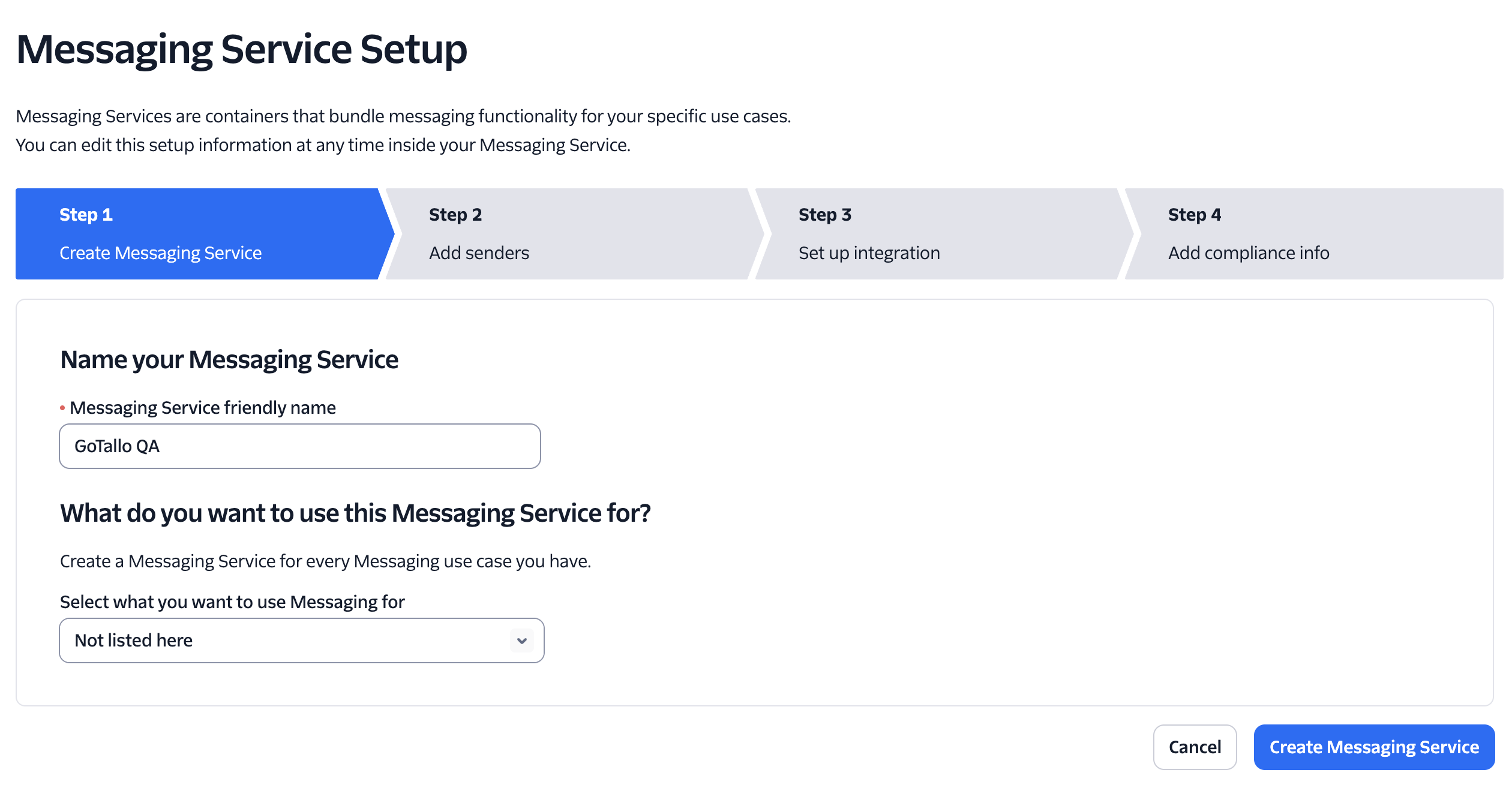
3. Create a New Messaging Service
-
In Twilio, create a new Messaging Service.
-
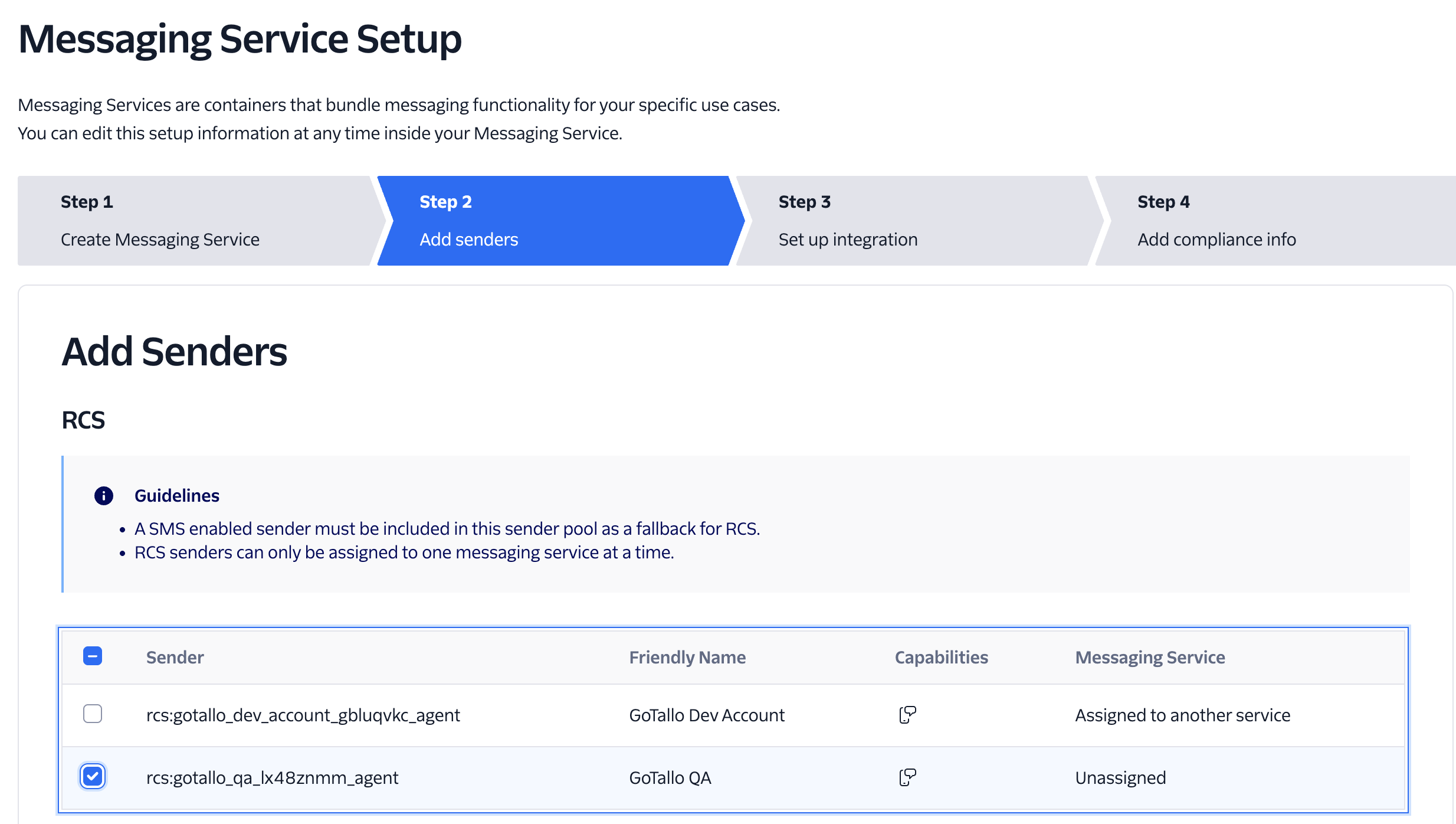
Add your sender and select RCS.
-
Choose the RCS sender you created earlier.
-
Proceed to Setup Integration (Step 3).
-
Send a Webhook:
Set the Request URL to:<https://api.gotallo.com/1.0/webhook/twilio/> -
Delivery Status Callback:
Set to:<https://api.gotallo.com/1.0/webhook/twilio/status/>
-
-
Complete the messaging service setup.
4. GoTallo Configuration
-
Add the new RCS channel in your GoTallo configuration.
-
Add new Channel
-
Copy in the required information from Twillio, Twillio recommends to use an API key, you can also use the general Auth Token.
You can start testing now, however note that to use it outside of testing you need to do the carrier approval.
5. Carrier Approval
-
Return to RCS > Sender > Carrier Approval in Twilio.
-
Continue the setup and fill in all required information for carrier approval.
You’re done!
Your RCS messaging integration with Twilio and GoTallo should now be ready.